

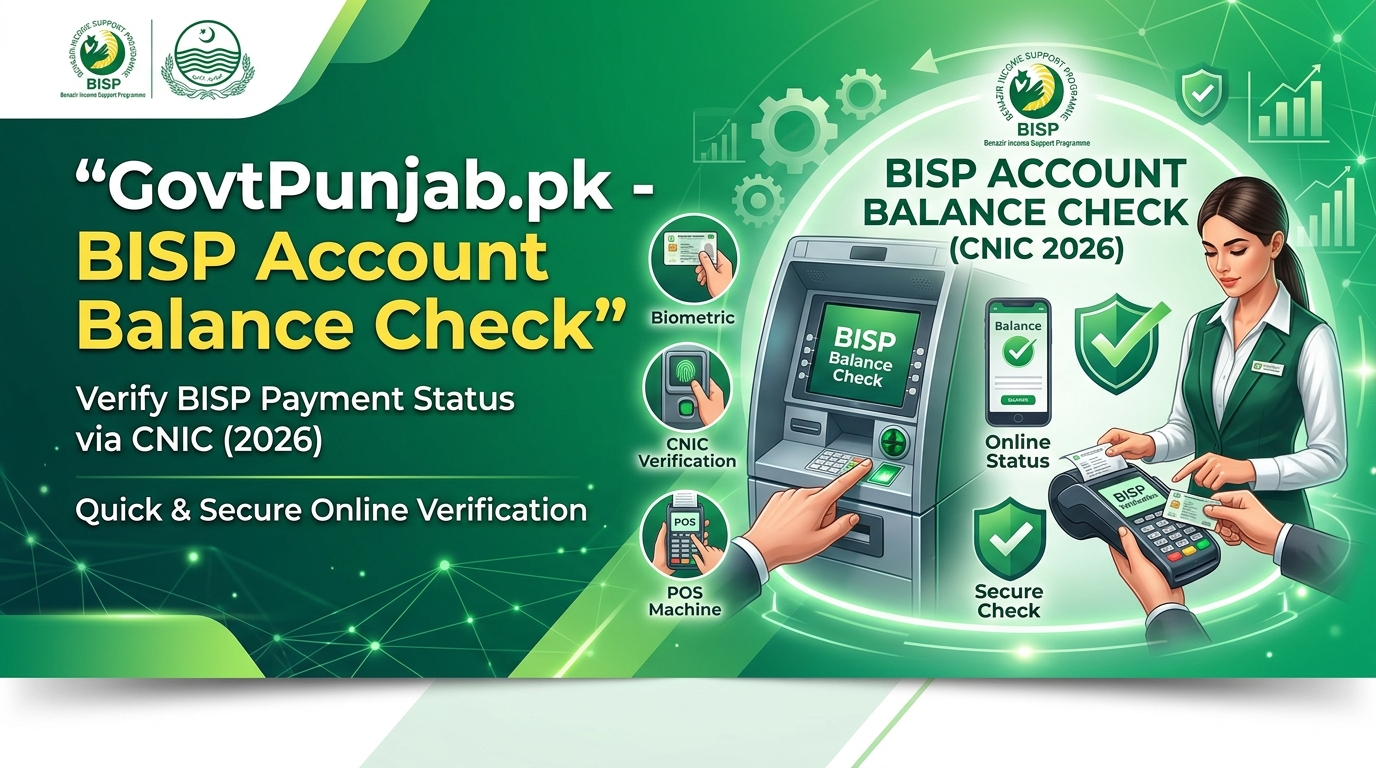
To ensure transparent, secure, and fee-free disbursement of financial assistance, the Benazir Income Support Programme utilizes biometric banking systems in partnership with major commercial banks. In 2026, beneficiaries across Pakistan can perform a BISP Account Balance Check by CNIC before visiting cash distribution centers. This digital check helps beneficiaries confirm that their quarterly stipend has been credited into their linked biometric bank account, preventing unnecessary travel and avoiding illegal agent fee deductions.
This detailed operational guide explains how to check your BISP account balance using your CNIC, step-by-step instructions for biometric ATM balance inquiries at Habib Bank Limited (HBL) and Bank Alfalah, agent point-of-sale (POS) verification rules, and official complaint filing mechanisms for unauthorized deductions.
BISP Partner Banks & Regional Distribution Matrix
To streamline payment processing across regions, BISP allocates specific partner financial institutions based on geographical provinces and administrative divisions:
| Designated Region | Partner Banking Institution | Withdrawal Channel | Biometric Verification Method |
|---|---|---|---|
| Punjab, Sindh, Balochistan & ICT | Habib Bank Limited (HBL Konnect) | Biometric ATMs & POS Retailers | NADRA Biometric Thumb Scan |
| KPK, AJK & Gilgit-Baltistan | Bank Alfalah (Alfa Pay) | Biometric ATMs & POS Retailers | NADRA Biometric Thumb Scan |
Step-by-Step: BISP Account Balance Check at HBL Biometric ATM
If you reside in an area served by Habib Bank Limited, follow these steps to check your account balance at any HBL biometric ATM machine:
- Visit any HBL ATM featuring a green digital biometric thumbprint scanner.
- Touch the ATM screen or select the “BISP / Social Welfare” option on the touch display.
- Select your preferred language (Urdu or English).
- Type your 13-digit CNIC number carefully on the keypad.
- When prompted by the screen, place your thumb or index finger firmly on the biometric scanner device.
- Upon successful NADRA fingerprint match, select “Balance Inquiry”.
- The ATM screen will display your available account balance, and a printed receipt will be issued showing the exact funds available.
Method 2: BISP Account Balance Check at Bank Alfalah ATM
For beneficiaries receiving funds through Bank Alfalah in designated provinces, execute the following ATM verification steps:
- Locate a Bank Alfalah ATM equipped with biometric verification hardware.
- Press the designated Biometric Transaction button on the main welcome screen.
- Select BISP Kafaalat Services.
- Enter your 13-digit NADRA CNIC number.
- Place your thumb on the optical scanner until the green light illuminates.
- Choose Account Balance Verification to view your available cash stipend.
Method 3: Checking Balance via Authorized POS Retail Agents
If an ATM machine is unavailable in your Tehsil, you can check your balance at authorized HBL Konnect or Bank Alfalah POS retailer shops:
- Visit an officially franchised BISP cash agent displaying official government banners.
- Provide your original NADRA CNIC to the shop agent.
- Place your thumb on the agent’s handheld POS biometric terminal.
- The machine will display your balance and print an electronic voucher slip. Never leave the agent counter without obtaining your printed receipt slip.
How to Report Illegal Fee Deductions by Retail Agents
BISP cash disbursements are strictly 100% free of charge. Retail agents are paid directly by the government and are strictly forbidden from deducting fees (e.g., Rs. 500 or Rs. 1,000) from beneficiary payments. If an agent attempts to deduct money:
- Demand your full printed transaction receipt showing the total disbursed amount.
- Note down the agent’s Shop Name, Agent ID, and POS machine number.
- Immediately call the official BISP Toll-Free Helpline at 0800-26477 to lodge an official complaint.
- Visit your local BISP Tehsil Complaints Desk to submit a written grievance for agent blocking and fee refund.
Read our guide on Maryam Nawaz New Scheme 2026 Punjab Updates.
Frequently Asked Questions (FAQs)
Q1: What should I do if the ATM biometric scanner fails to match my thumbprint?
If your fingerprints have worn down or fail scanner verification, clean your hands and retry. If failure persists, visit your local NADRA office to update your biometric finger records or consult the BISP Tehsil officer for manual verification approval.
Q2: Can I withdraw partial amounts of my BISP balance from the ATM?
Yes. You can choose to withdraw partial funds or collect your complete stipend amount in a single transaction at any biometric ATM.
Q3: Are there any charges for conducting a BISP account balance check at ATMs?
No! All biometric balance inquiries and cash withdrawals for BISP beneficiaries at partner bank ATMs are completely free of fee charges.
